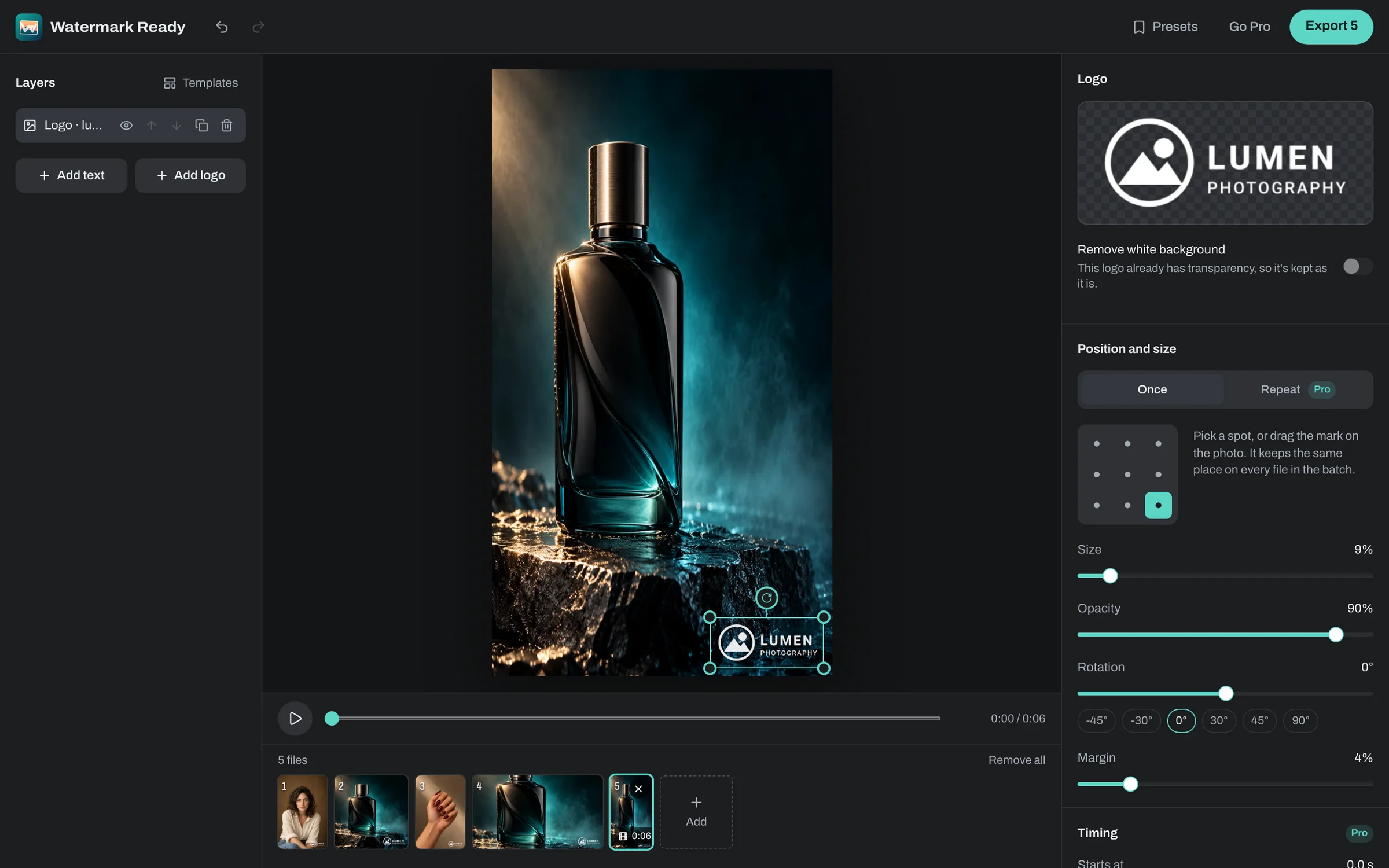
Pick a corner that stays clear
On a horizontal video, the bottom of the frame is where players show the progress bar and controls, and where captions appear. A top corner keeps the logo in view while people watch, pause and skip around.
Vertical apps such as TikTok, Instagram Reels and YouTube Shorts lay their own buttons over the right side of the video, and the caption and account name along the bottom. The top left is often the clearest corner there, with a generous margin. Layouts differ between apps and change over time, so check one export in the app before you do the rest.
Size and strength
A video logo should be easy to spot without pulling attention from the footage. Start with the logo at around 8% to 12% of the frame's shorter edge and Opacity between 60% and 80%, then adjust on the real clip. Because size follows the shorter edge, the same setting suits vertical and horizontal videos.
Footage changes from shot to shot, so a logo that stands out in one scene can vanish in the next. Watch your first export through, paying attention to the brightest and darkest scenes.
The right opacity also depends on the logo. A solid badge can sit at full strength because it's designed to cover what's behind it, while a thin wordmark usually looks better a little lighter.
Fade it in and out
With Pro, the logo can appear at a chosen second, disappear at another, and fade at either end. Keeping the first few seconds clean lets your opening shot or title land first, and fading the logo out before an end screen avoids clutter.
Each layer has its own timing, so a second layer can show your handle or website only near the end. On the free plan, layers stay on for the whole video.
A logo file that holds up
Use a PNG with a transparent background, around 1,000 pixels across or more. That covers a corner logo even on 4K video, while a small file turns soft when it's scaled up to the frame.
Pick the simplest version of your logo, such as an icon or a short wordmark. A full logo with a tagline turns into a smudge at corner size on a phone screen.
A logo saved on white works too, because the white is removed automatically. The video is processed on your device and never uploaded.