Add watermarks to photos & videos in seconds
Put your name or logo on one photo or a whole batch, and on your videos too. Everything runs in your browser: nothing to install, and no account needed to start.
Free for up to 10 photos at a time. No mark of ours on your files.






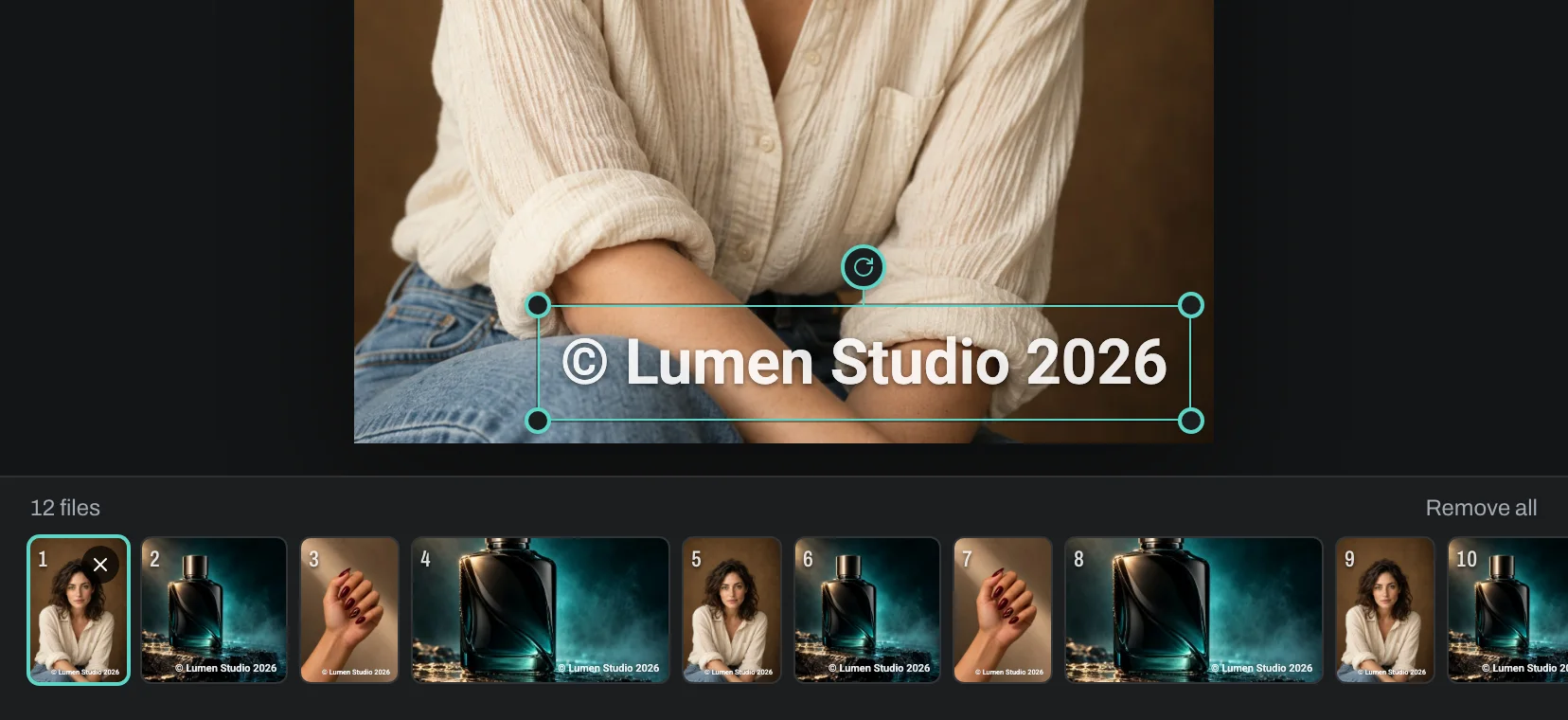
Type to see it on every frame. The editor opens with these words.
How it works
Choose your files
Pick or drop photos and videos, one or hundreds. They open in the editor straight away.
Design the watermark
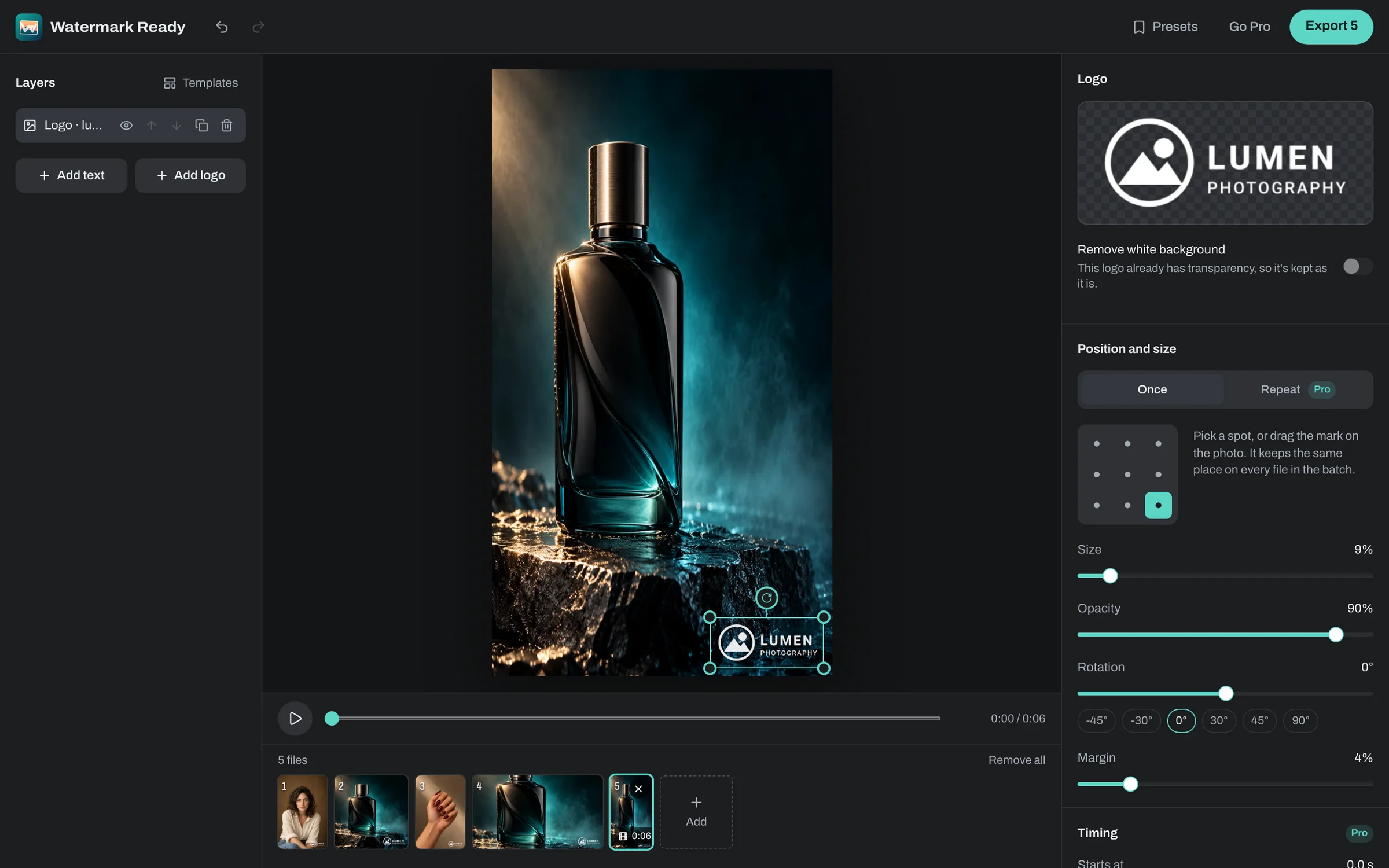
Type your name or add your logo, drag it into place and set the size, opacity, angle and style.
Export the batch
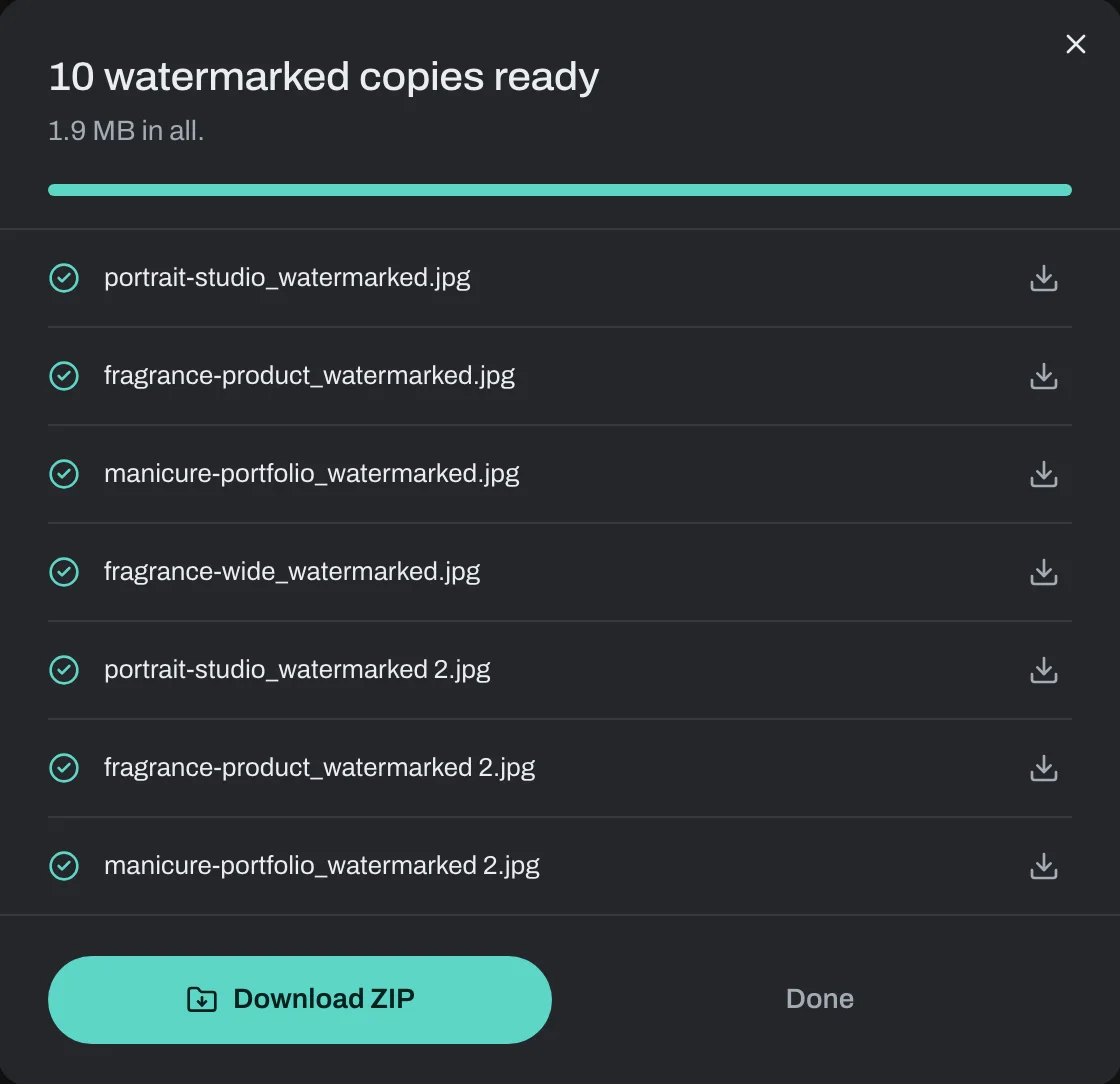
Every file gets the same mark at full resolution. Download them as a ZIP or save them into a folder.

Photos at full resolution, the right way up
Copies keep the size you shot them at and the orientation your camera recorded, so portrait photos stay upright. Choose JPEG, PNG or WebP and the quality, and keep the date and camera details without the location.
iPhone HEIC photos open in every browser, not just Safari.
Watermark videos without uploading them
Your text or logo is drawn into every frame of an MP4, MOV or WebM video, and the sound is kept. Phone videos recorded sideways come out the right way up.
With Pro, a layer can show for part of the clip and fade in and out.
One design for the whole batch
Sizes and margins follow each file's shorter edge, so the same watermark looks right on portrait shots, landscapes, squares and 4K video in one export. Every thumbnail shows its own result before you export.
One file failing never stops the rest; you can retry it at the end.
Text watermarks
Sans, serif, typewriter or handwriting, with a shadow or outline so the words stay readable.

Your logo, cleaned up
A white background is taken out, so your logo sits cleanly on any photo.


Your files stay on your device
Watermark Ready processes photos and videos in your browser. They are never uploaded to our servers, so there is nothing for us to store, scan or delete.
An account is only needed for Pro and for presets you want on every computer. Payments go through Stripe; we never see your card. Read the privacy policy.
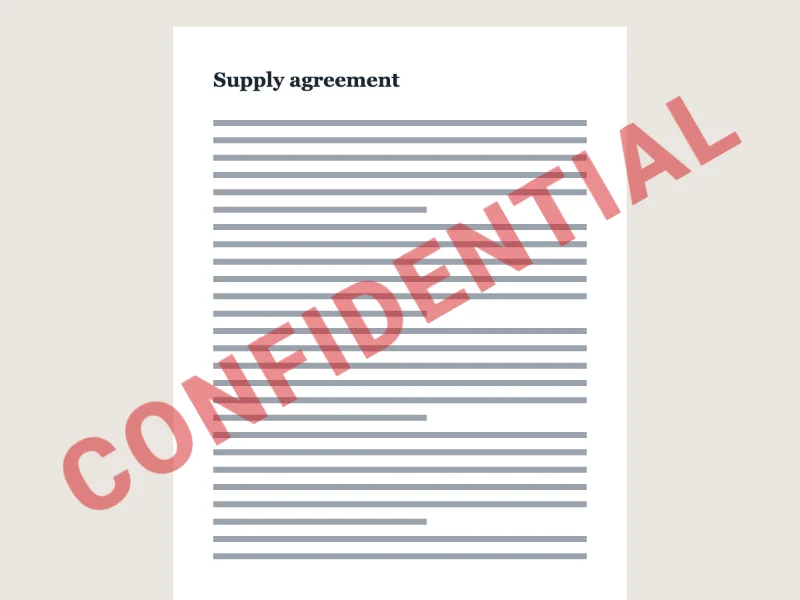
Ready-made watermarks
Each one is a template in the editor, ready to change.





Free for small jobs, Pro for the big ones
Pro is $4.99 a month, $19.99 a year, or $39.99 once. Cancel anytime. For a one-off job, a 7-day pass is $3.99 and doesn't renew.
See pricing- Photos per export
- FreeUp to 10ProUp to 500
- Videos
- Free1 at a time, up to 30 secondsProUp to 20 at a time, any length your browser handles
- Text and logo watermarks
- FreeIncludedProIncluded
- Layers on one design
- Free2Pro6
- 16 typefaces, shadow, outline and label styles
- FreeIncludedProIncluded
- Full resolution, JPEG, PNG and WebP
- FreeIncludedProIncluded
- No Watermark Ready mark on your files
- FreeIncludedProIncluded
- Repeating pattern across the whole image
- FreeNot includedProIncluded
- Date and time each photo was taken
- FreeNot includedProIncluded
- Video timing and fades
- FreeNot includedProIncluded
- Saved presets
- Free3ProUp to 200, saved to your account
| Feature | Free | Pro |
|---|---|---|
| Photos per export | Up to 10 | Up to 500 |
| Videos | 1 at a time, up to 30 seconds | Up to 20 at a time, any length your browser handles |
| Text and logo watermarks | ||
| Layers on one design | 2 | 6 |
| 16 typefaces, shadow, outline and label styles | ||
| Full resolution, JPEG, PNG and WebP | ||
| No Watermark Ready mark on your files | ||
| Repeating pattern across the whole image | ||
| Date and time each photo was taken | ||
| Video timing and fades | ||
| Saved presets | 3 | Up to 200, saved to your account |
Questions
Is Watermark Ready free?
Yes. A free export covers up to 10 photos at a time with text or a logo, and one video of up to 30 seconds. We never add a mark of our own to your files. Pro is for big batches, longer videos, repeating patterns, date stamps and ready-made symbols and stamps.
Are my photos and videos uploaded anywhere?
No. They are processed in your browser, on your device, and never sent to our servers. Only presets you choose to save to your account are stored with us.
Which file types can I watermark?
Photos in JPG, PNG, WebP, AVIF and HEIC (iPhone) and videos in MP4, MOV and WebM. Copies are saved as JPEG, PNG or WebP, and videos as MP4.
Will the copies lose quality?
Copies keep the original resolution unless you pick a smaller size. JPEG and WebP are saved at 92% quality by default and you can raise it; PNG is lossless. Your originals are never changed.
Can I use a logo and text together?
Yes. A design is a stack of layers, so you can put your logo in one corner and your name or website in another. Free designs use up to two layers; Pro allows six.
Does it work on a phone?
Yes, in Safari on iPhone and iPad and in Chrome on Android. Large batches and long videos finish faster on a computer, which has more memory.
How do I cancel Pro?
From your account page, in one step. A cancelled subscription keeps Pro until the end of the period you paid for and then doesn't renew.
Watermark tools
Watermark Ready for Android
The same watermarks on your phone, with batches that keep going in the background and Safe Copy for marking copies of ID documents.

The Android app is sold separately on Google Play.